API for IndexNow Submission Built for Agency Scale
Stop manually submitting URLs for every client. CitationBench automates IndexNow and GSC submission on every publish across your entire client portfolio.
# Submit a URL to IndexNow via the APIPOST /v1/indexing/indexnow/submit> { "url": "https://acme.com/blog/new-post", "workspace_id": "ws_acme" }{ "status": "submitted", "engine": "indexnow", "url": "https://acme.com/blog/new-post" }# Or let auto-indexing fire on every publish automaticallyproduce.publish.send> { "post_id": "post_7xq3r", "workspace_id": "ws_acme" }✓ Published to WordPress✓ IndexNow submitted · engine: bing, yandex✓ GSC URL submitted · status: queuedManual Indexing Does Not Scale
Running IndexNow submissions by hand across dozens of client sites drains time and leaves content invisible longer than it should be.
Every publish needs manual work
Without automation, every new page requires a separate IndexNow submission step that your team must remember to run.
New content sits unindexed
Pages that miss timely indexing submissions lose early ranking opportunities while competitors' content gets crawled first.
No unified submission across clients
Managing separate IndexNow keys and submission logs for each client workspace makes auditing submissions across a portfolio nearly impossible.
The fix
Automate IndexNow. Index Every Client. Every Time.
CitationBench fires IndexNow and Google Search Console submissions automatically on every publish via the auto-indexing layer. Call the standalone API directly via indexing.indexnow.submit or let every publish trigger both simultaneously.
Everything the IndexNow API Should Include
Five capabilities that take you from manual URL submission to a fully automated, multi-client indexing operation.
Core Indexing
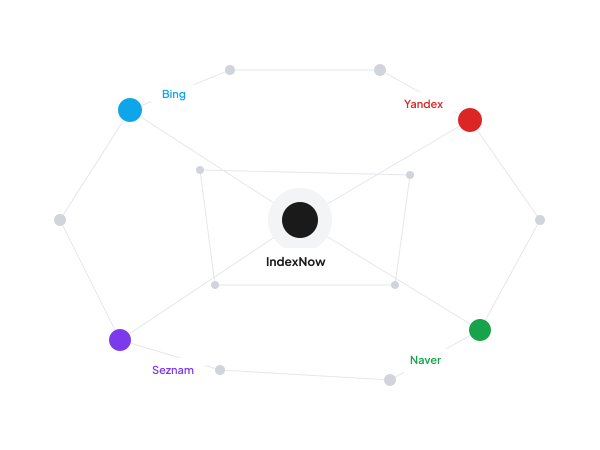
IndexNow API Submission Per Workspace
Submit URLs to Bing, Yandex, and other IndexNow-compatible engines via indexing.indexnow.submit. Configurable API key per client workspace. Submission status and history returned on every call.
- Per-workspace IndexNow keys
- Bing and Yandex supported
- Submission history logged
Publish Automation
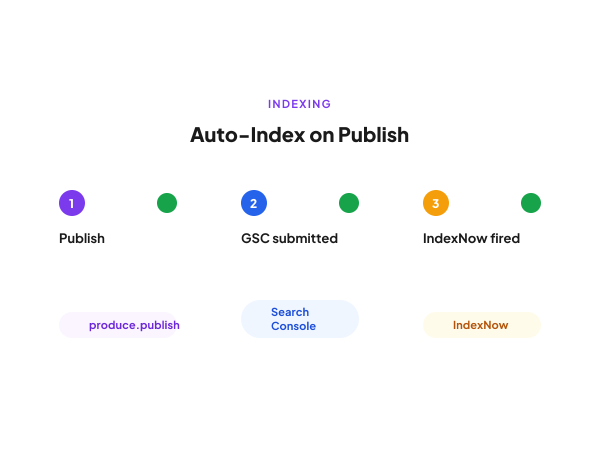
Auto Submit on Every Publish Event
Every produce.publish.send call automatically fires both GSC and IndexNow submission together. No manual step, no page left un-indexed after publishing to WordPress, Ghost, Wisp, or a custom REST hook.
- Fires on every publish
- GSC and IndexNow together
- Zero manual intervention needed
GSC Integration
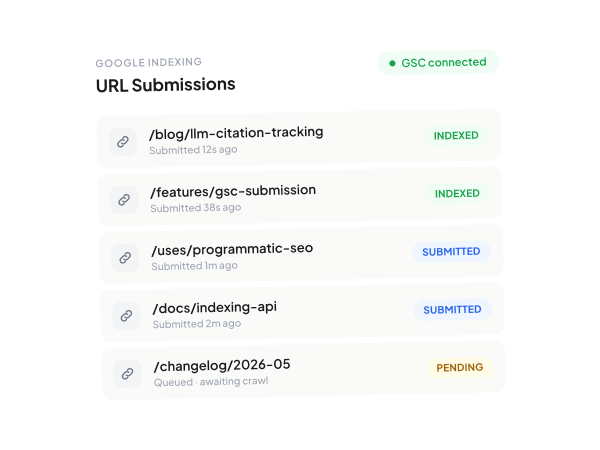
Google Search Console Submission Alongside IndexNow
Standalone Google Search Console URL submission via indexing.gsc.submit. Manage GSC connection and config per workspace. Returns submission status and full history, and fires automatically alongside IndexNow on publish.
- Standalone GSC submit endpoint
- Per-workspace GSC connection
- Status and history returned
Agency Architecture
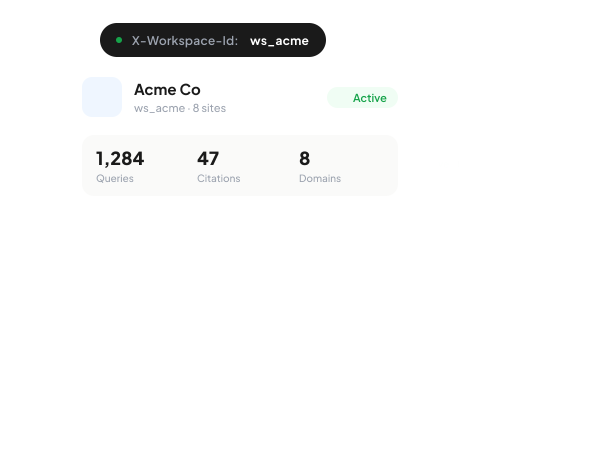
One API Key for All Client Workspaces
A single master API key manages N client workspaces. All indexing calls are scoped per client via the X-Workspace-Id header, keeping submission logs, IndexNow keys, and GSC configs isolated per brand.
- X-Workspace-Id scoping
- Isolated per-client configs
- Bulk actions across workspaces
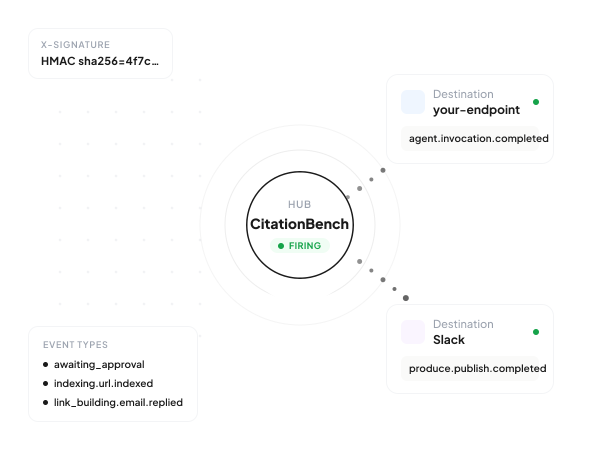
Event Notifications
Webhook Alerts on Indexing Confirmation
Register per-workspace webhooks to receive indexing.url.indexed and produce.publish.completed events. Wire indexing confirmations into your own dashboards, Slack alerts, or downstream reporting workflows.
- indexing.url.indexed event
- Per-workspace webhook config
- Connects to external systems
How it works
From sign-up to first call in five minutes.
Sign up and get your key
An `sk_test_*` key lands in your dashboard instantly. No demo gate — start calling real endpoints with shape-complete responses.
Add the MCP server or hit REST
`claude mcp add citationbench https://mcp.citationbench.com/mcp` from Claude Code, Cursor, or any MCP client. Or `curl` against `api.citationbench.com/v1/*` directly.
Run a tool or invoke an agent
Every tool returns shape-complete demo data without auth, so your agent works before the user signs up. Tools across research, production, indexing, link-building, and agents.
Scope to a workspace and ship
Add `X-Workspace-Id: ws_***` to scope per client. Switch to a live `sk_live_*` key when you're ready. Same API surface, same SDK.
Why CitationBench
Built for production, agency-scale, and AI-agent-first.
~35 tools, one MCP server
Hosted at mcp.citationbench.com/mcp. Works with Claude Code, Cursor, Claude Desktop, Windsurf, and ChatGPT Apps. No self-hosting required.
Durable jobs, not fire-and-forget
Every long-running call runs on Cyclonic workers — survives restarts, cancellable, resumable, streams via SSE. Production-safe by default.
Multi-workspace from day one
One master API key, N client workspaces. Switch with a single `X-Workspace-Id` header. Per-client data isolation, bulk ops across all of them.
Demo mode out of the box
Every endpoint responds in shape-complete demo mode without auth, so you can build the agent before the user signs up.
FAQ
Common questions
Automate IndexNow Submissions Across Every Client
CitationBench fires IndexNow and GSC on every publish so no page in your portfolio is ever left un-indexed.
Start Free