API for ICP Generation from Real Market Data
Stop building with generic persona APIs. CitationBench generates structured ICP profiles from real market data, giving developers and agencies nuanced buyer segments for any industry.
# Generate ICP profiles from a company URLPOST /v1/research/icp> { "url": "https://acme.com", "segments": 3 }job_id: job_4zt9m · status: running# Profiles returned with pain points and buying triggerssegment_1: { "title": "Agency Owner", "pain_points": [...] }segment_2: { "title": "Head of SEO", "buying_triggers": [...] }segment_3: { "title": "AI Engineer", "pain_points": [...] }# Update individual segments via research.icp.update> { "segment_id": "seg_1", "pain_points": ["manual ICP research"] }Generic Persona APIs Miss the Real Buyer
Most ICP tools return recycled templates that fail to capture industry-specific pain points or buying triggers.
Profiles that fit no one
Generic persona APIs return the same templated segments regardless of industry, making targeting ineffective.
Manual research burns hours
Manually building ICPs from surveys and forums is too slow for agencies onboarding multiple new client brands.
No link to SEO or content ops
Standalone ICP tools produce profiles that live in isolation, never feeding into keyword research or content production.
The fix
ICP Generation Built Into Your SEO Workflow
CitationBench POST /v1/research/icp generates segmented buyer profiles with pain points and buying triggers from a company URL. Profiles feed directly into keyword research, content gap analysis, and content production — no copy-paste required.
Five Tools That Turn ICPs Into Organic Growth
From profile generation to keyword universe to published content, these features compose into a complete research-to-production pipeline.
ICP Research
Generate Buyer Profiles from Market Data
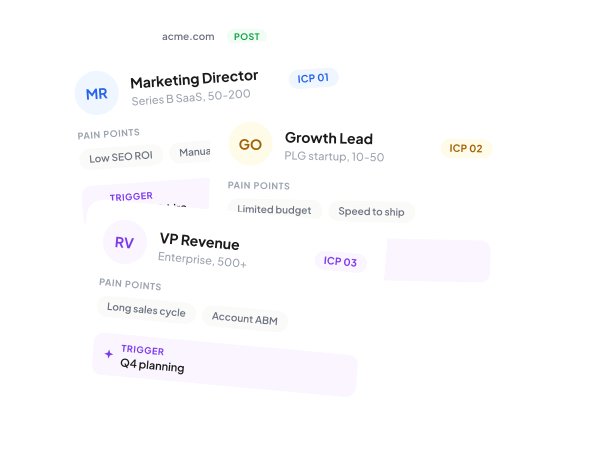
POST /v1/research/icp takes a company URL and returns segmented ICP profiles with pain points and buying triggers — ready to pipe into keyword research or content briefs.
- Structured segments with pain points
- Buying triggers per segment
- Update segments via research.icp.update
Keyword Discovery
Build a Keyword Universe from Buyer Segments
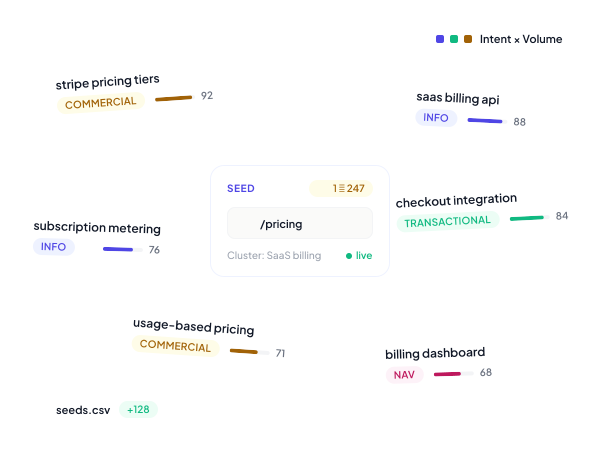
Use ICP pain points as seeds for POST /v1/research/keyword to discover, cluster, and label a full keyword universe. Results persist and flow directly into content production.
- Seed from ICP pain language
- Bulk create via research.keyword.bulk_create
- Results persist for downstream use
Intent Taxonomy
Label Keywords by Intent and Buyer Relevance
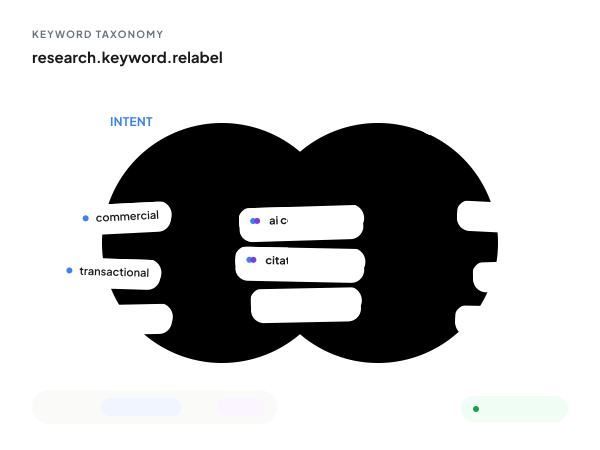
Every keyword is tagged on two axes: intent and relevance to your ICP. Filter for high-intent core keywords and skip tangential terms that waste content budget.
- 2D intent x relevance tagging
- Filter by core vs. adjacent keywords
- Relabel via research.keyword.relabel
Gap Analysis
Find Topics Your ICP Searches but You Miss
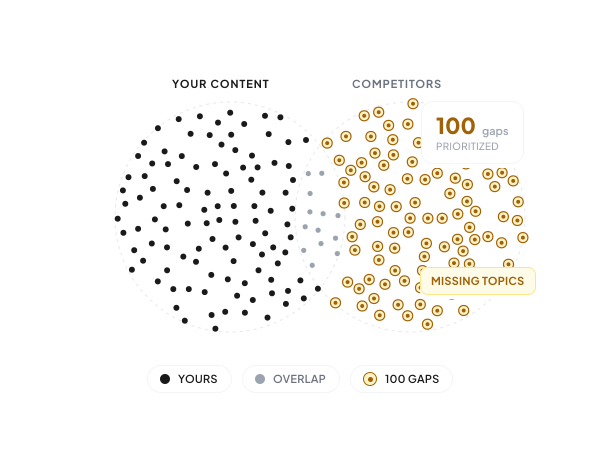
research.content_gap.find maps your existing content against competitor coverage and ICP-derived keywords, surfacing the specific topics your target buyers are searching for but you are not ranking on.
- Compare against competitor content
- Prioritized gap reports
- Stored and listable results

Agentic Workflows
Run ICP to Content Plan in One Agent Call
POST /v1/agent/invoke with the brand-bootstrap agent runs ICP generation, keyword research, and content planning in one durable job — with an approval gate before anything publishes.
- POST /v1/agent/invoke entry point
- SSE streaming for real-time progress
- Approval gates before content ships
How it works
From sign-up to first call in five minutes.
Sign up and get your key
An `sk_test_*` key lands in your dashboard instantly. No demo gate — start calling real endpoints with shape-complete responses.
Add the MCP server or hit REST
`claude mcp add citationbench https://mcp.citationbench.com/mcp` from Claude Code, Cursor, or any MCP client. Or `curl` against `api.citationbench.com/v1/*` directly.
Run a tool or invoke an agent
Every tool returns shape-complete demo data without auth, so your agent works before the user signs up. Tools across research, production, indexing, link-building, and agents.
Scope to a workspace and ship
Add `X-Workspace-Id: ws_***` to scope per client. Switch to a live `sk_live_*` key when you're ready. Same API surface, same SDK.
Why CitationBench
Built for production, agency-scale, and AI-agent-first.
~35 tools, one MCP server
Hosted at mcp.citationbench.com/mcp. Works with Claude Code, Cursor, Claude Desktop, Windsurf, and ChatGPT Apps. No self-hosting required.
Durable jobs, not fire-and-forget
Every long-running call runs on Cyclonic workers — survives restarts, cancellable, resumable, streams via SSE. Production-safe by default.
Multi-workspace from day one
One master API key, N client workspaces. Switch with a single `X-Workspace-Id` header. Per-client data isolation, bulk ops across all of them.
Demo mode out of the box
Every endpoint responds in shape-complete demo mode without auth, so you can build the agent before the user signs up.
FAQ
Common questions
Start Generating Accurate ICPs via API
CitationBench turns a company URL into structured buyer profiles that feed directly into your keyword research and content pipeline.
Start Free